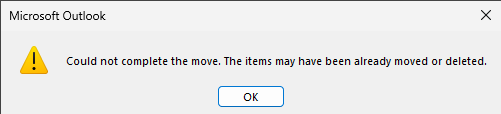
Ever had Microsoft Outlook have brain farts and couldn’t move emails? Do the following:
- (optional) empty “Deleted Items” folder
- delete the “unmovable” items – Outlook moves it to “Deleted Items” folder
WARNING: ensure you do not use the SHIFT+DELETE keys combination – it will permanently delete those emails (do not pass “Deleted Items” folder, do not collect $200… 😆 )
- navigate to the “Deleted Items” folder, select everything you intended to move and move to intended destination
