Oppo Find N6
This page covers the steps to set up the Oppo Find N6 and remove all bloatware and “HeyTap” tracking and privacy stripping crap.
- enable Developer Mode
- navigate to “Settings” app, then “About device” > “Version”
- tap “Version No.” repeatedly until it says “Developer Mode” enabled
- assuming adb is installed (on Windows), run the following commands:
- grab the list of potentially offending apps:
adb shell pm list packages | grep -E "usercenter|account|heytap|oplus"
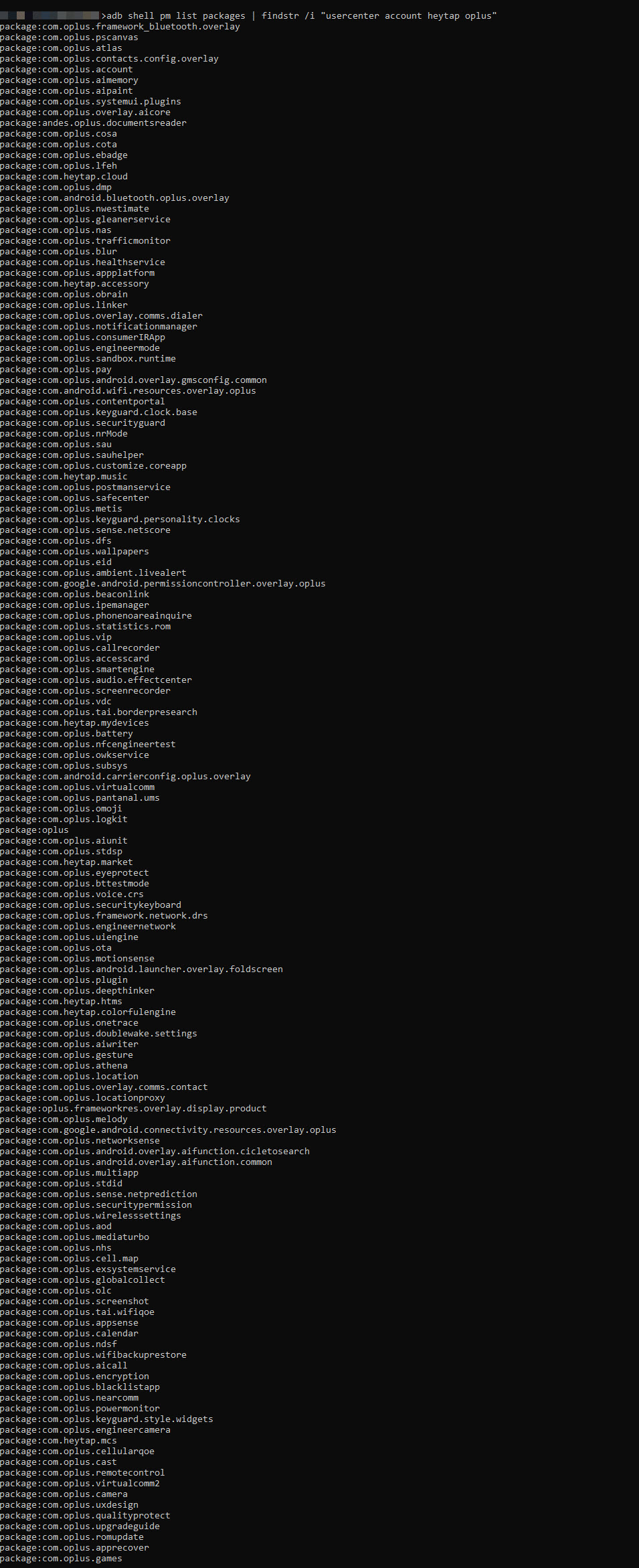
- grab the list of potentially offending apps:
-
- start disabling (for the “main” user”) all malware, adware and bloatware:
adb shell pm disable-user --user 0 com.heytap.mcsadb shell pm disable-user --user 0 com.heytap.cloudadb shell pm disable-user --user 0 com.oplus.accountadb shell pm disable-user --user 0 com.oplus.stdspadb shell pm disable-user --user 0 com.heytap.marketadb shell pm disable-user --user 0 com.oplus.contentportal
- start disabling (for the “main” user”) all malware, adware and bloatware:
