I found myself wrestling with XGA (1024×768) output on a system with only VGA output, although I was aware the display controller could get up to FHD easily (xrandr output shows the maximum “width” and “height” values surpassing that of FHD – see screenshot/s below).
I managed to wrangle the output to FHD by doing the following:
- get existing displays and note current display
xrandr --listmonitors
- get existing modes
xrandr
- if adding a new mode (e.g. forcing FHD aka 1080p aka 1920×1080 on a VGA output):
- get new mode details
cvt <width> <height> <refresh rate>- e.g.
cvt 1920 1080 60
- copy the output after the “Modeline” – this will be the input for next command
- create the new mode
xrandr --newmode <text after "Modeline" from cvt output>
- add the new mode
xrandr --addmode <display> <mode name>- e.g.
xrandr --addmode VGA-1 "1920x1080_60.00"
- get new mode details
- change the mode
xrandr --output <display> --mode <mode name>
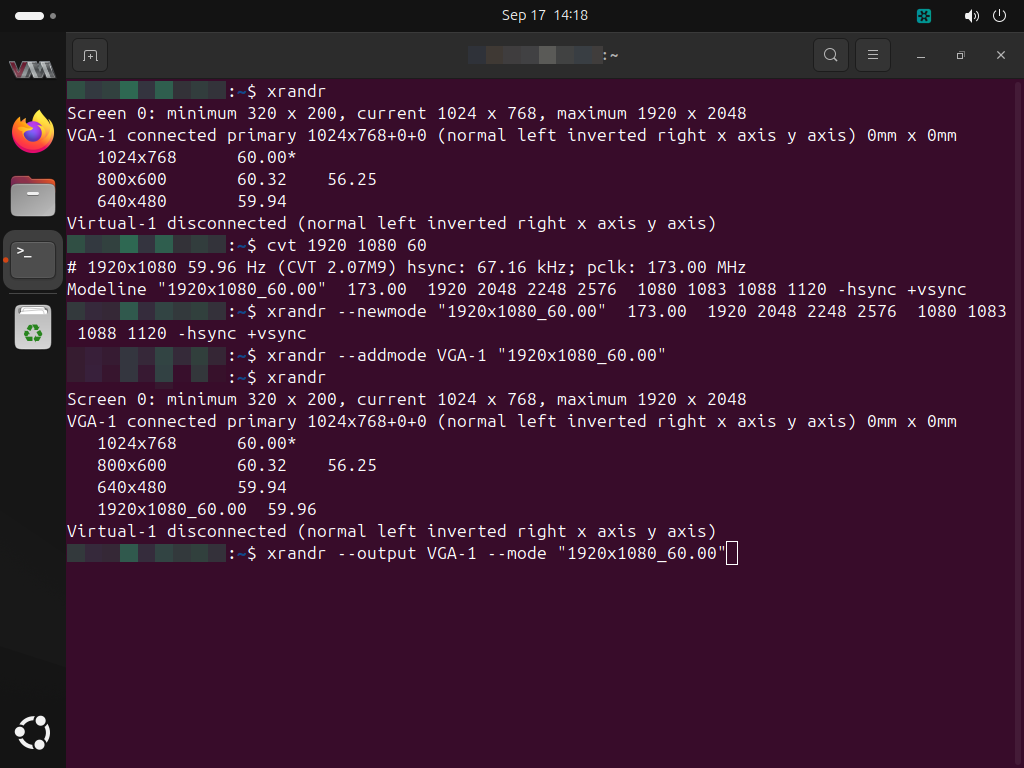
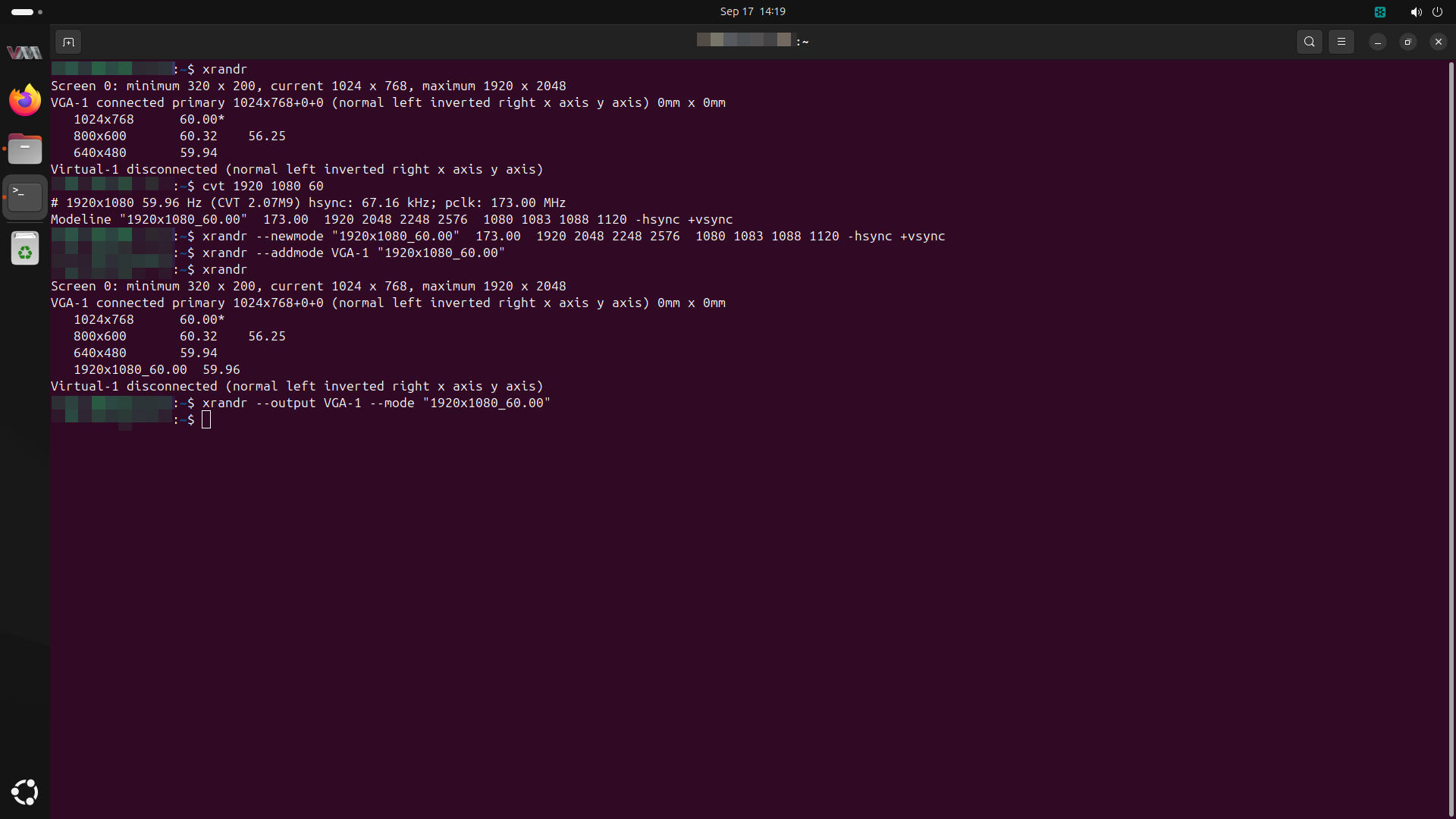
Making this stick was a completely different story in frustration…
Attempting to script this in a self-created /etc/profile.d/set-resolution.sh (and remembering to chown and chmod correctly), to ensure we can dynamically set the --newmode details (e.g. when moving the hard disk to another machine) was met with nothing but frustration…
Every method of “stripping” the “Modeline” text preface reply in-line did not work, from attempting to use awk to using parallel… xrandr‘s parsing of input is definitely non-standard.
I believe my only recourse would be to output text to script file on-the-fly, chmod the file and then execute the script… If I have the time, I will try just that and post an update here.
