I wasted quite a bit of time attempting to implement 2FA as part of user authentication on pfSense, firstly finding out that 2FA support was not intrinsic…
Next up, grappling with the FreeRADIUS extension for pfSense 2.7.x and attempting to follow everything from Reddit posts, some time-wasting video posts, to the abbreviated instructions from Google Search and some posts from different Google Search results.
What eventually worked for me was:
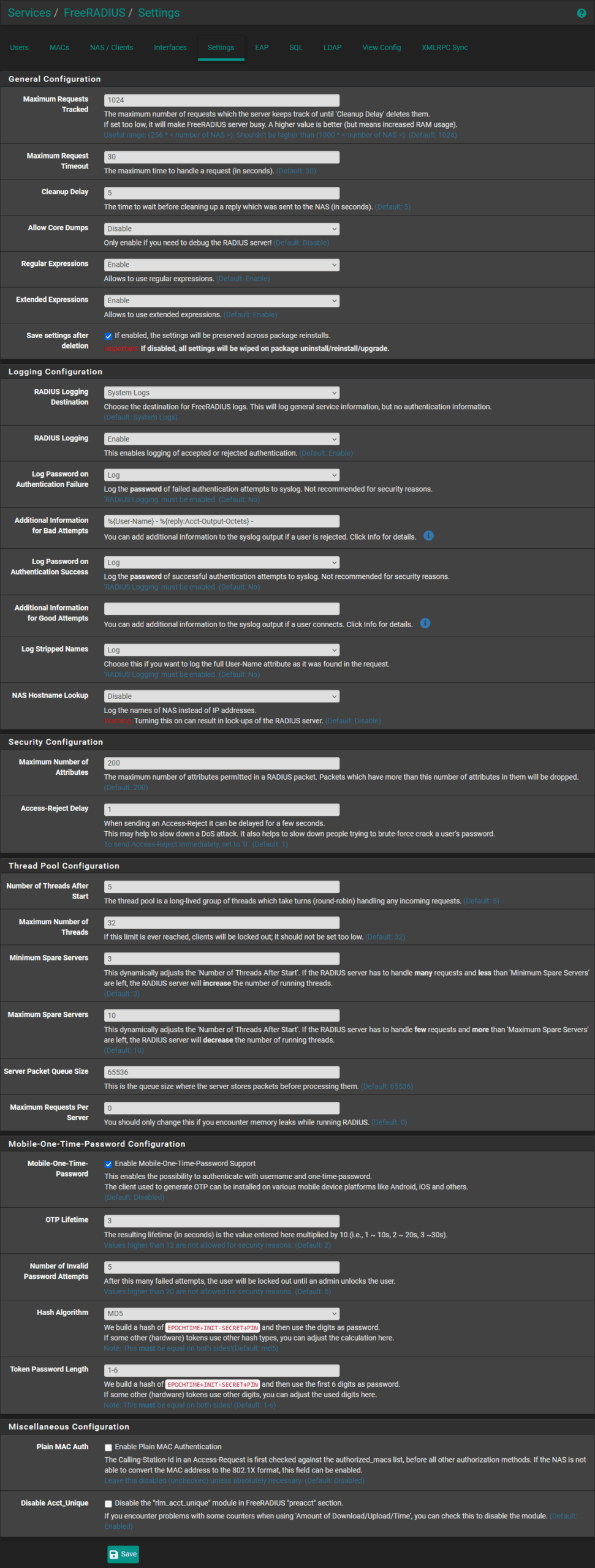
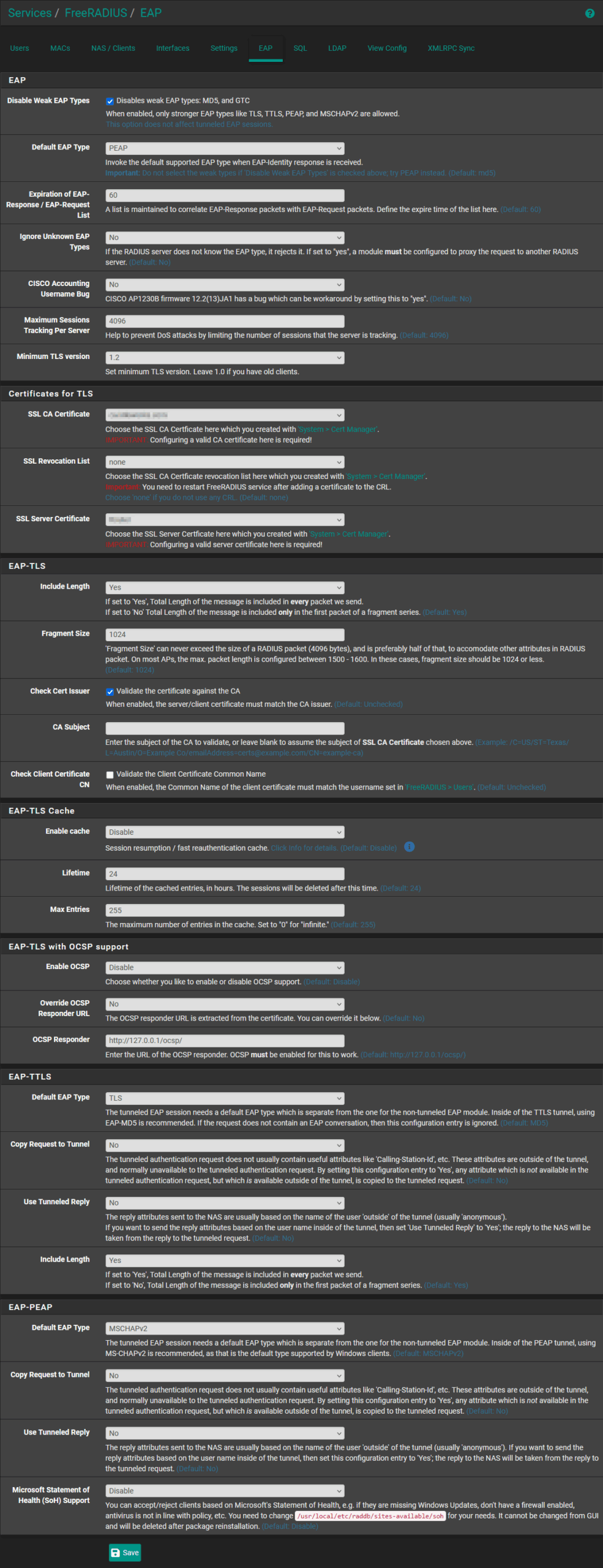
- installing and using the default settings + enabling the “
Mobile-One-Time-Password” under the FreeRADIUS extension settings, ensuring the defaults are used:
- “
MD5” for “Hash Algorithm“ - “1-6” for “
Token Password Length“
- “
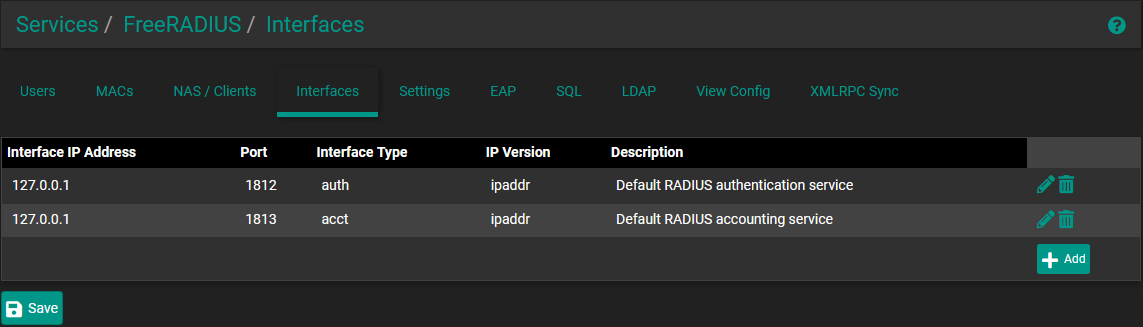
- setting up FreeRADIUS to listen only on loopback

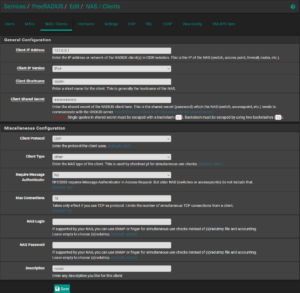
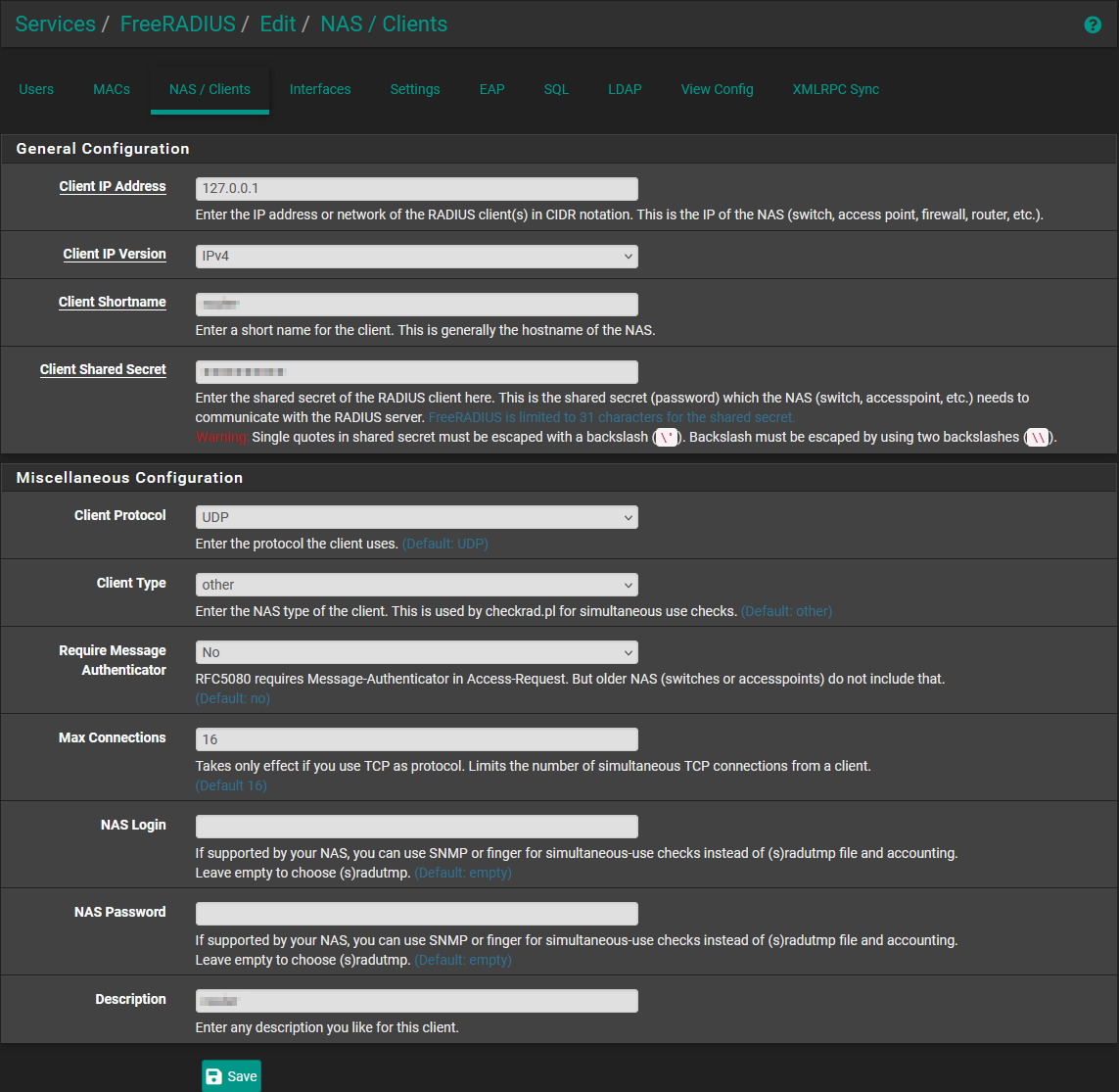
- creating the NAS/client entry for the router itself (again, on loopback), keeping the shared secret for later entry
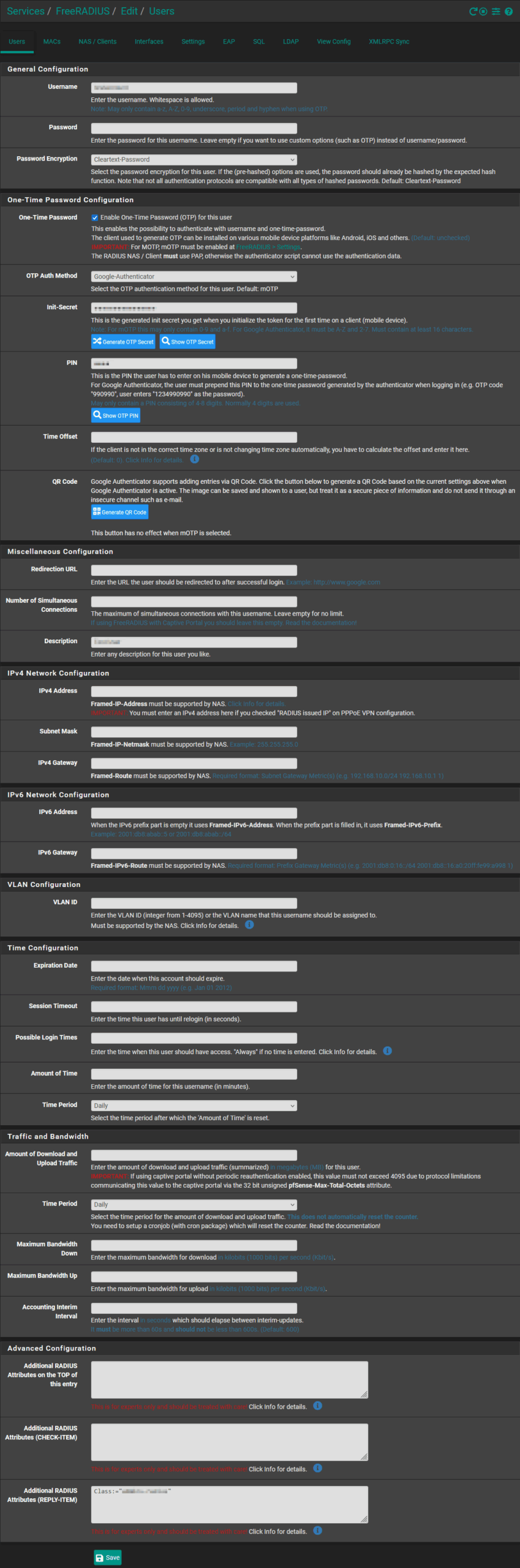
- creating the user, with the specific
Class:="<pfSense group>"entry in the “Additional RADIUS Attributes (REPLY-ITEM)” section (at the bottom)
- WARNING: please ensure that
SHA1is used as the TOTP algorithm if using any other TOTP software/application that does not already default toSHA1
- WARNING: please ensure that
Then, under the SYSTEM>User Manager section:
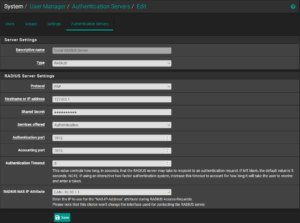
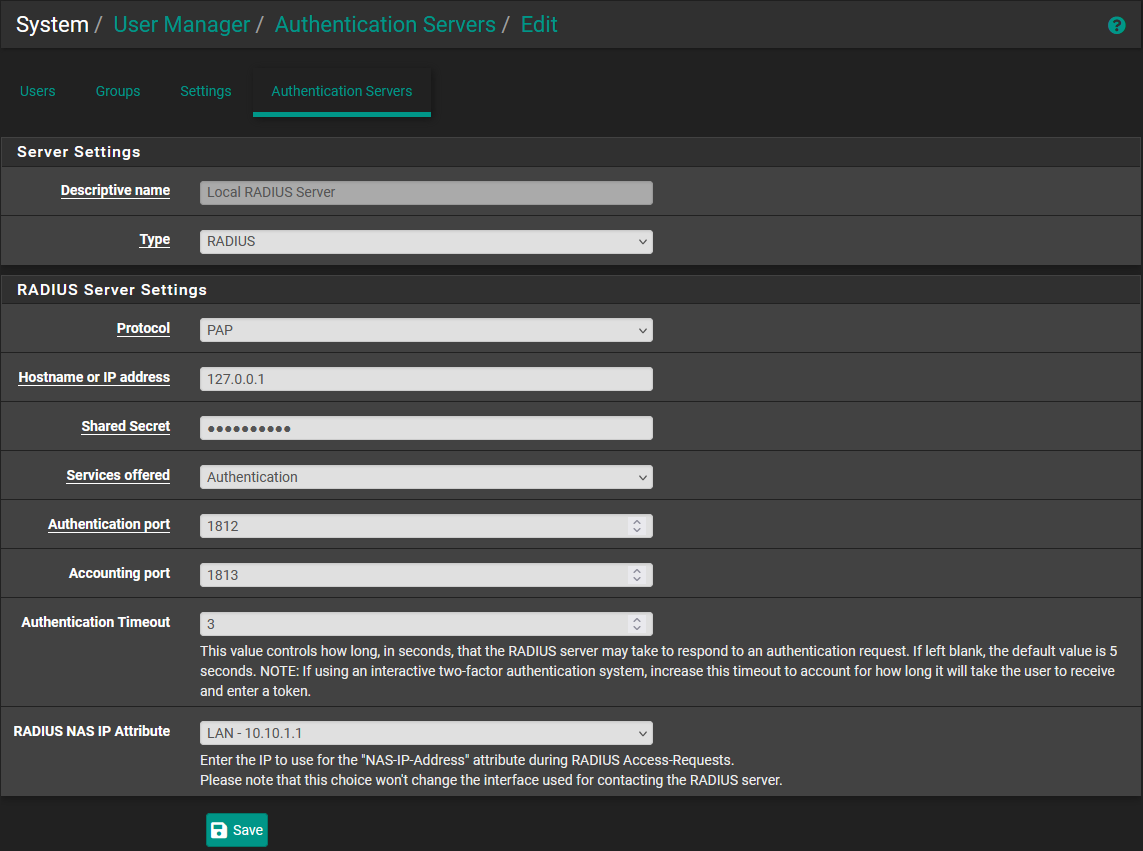
- creating the local RADIUS server entry under the “Authentication Servers” section, using the same shared secret and specifying “
PAP” as the “Protocol”
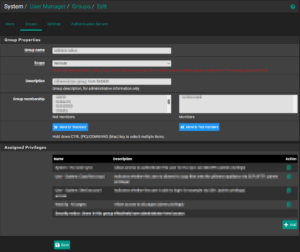
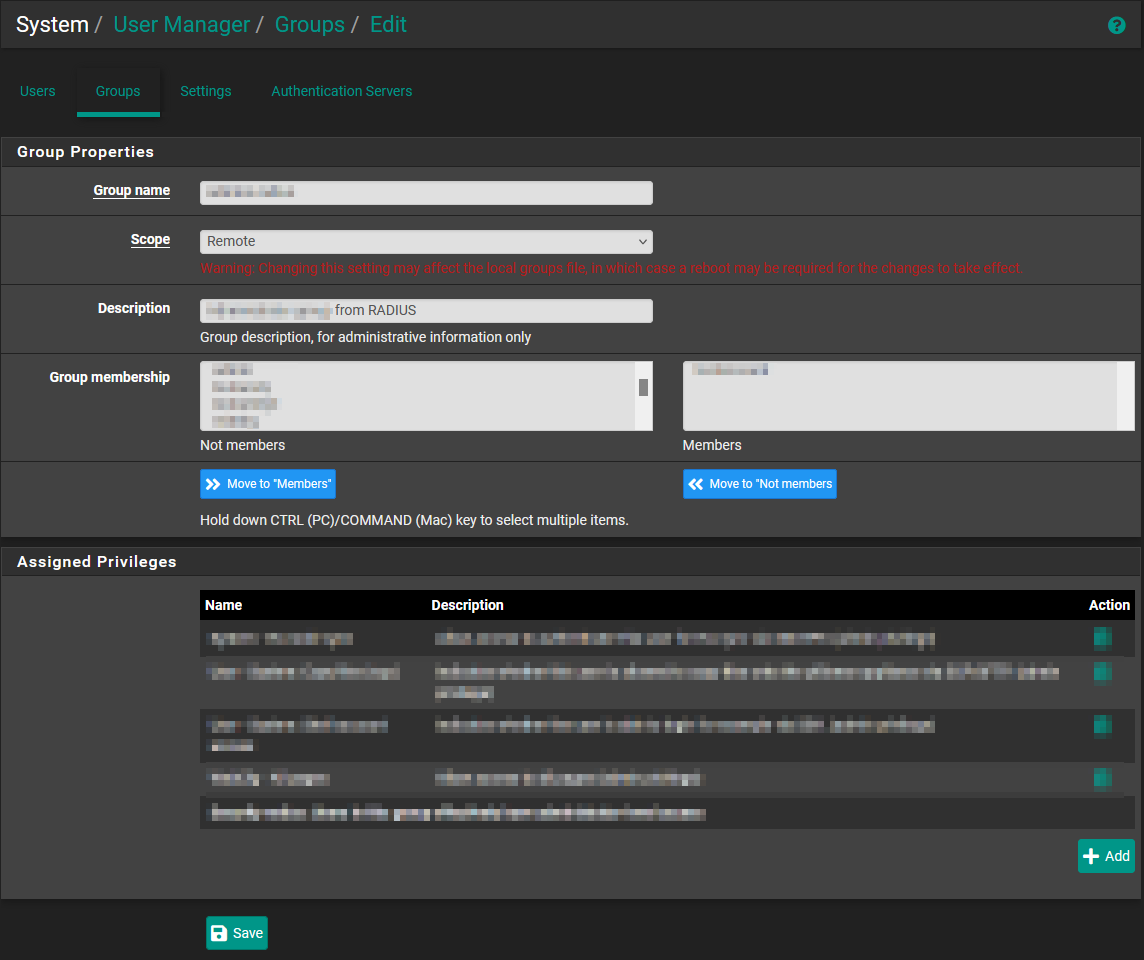
- creating a “remote” group with the appropriate permissions
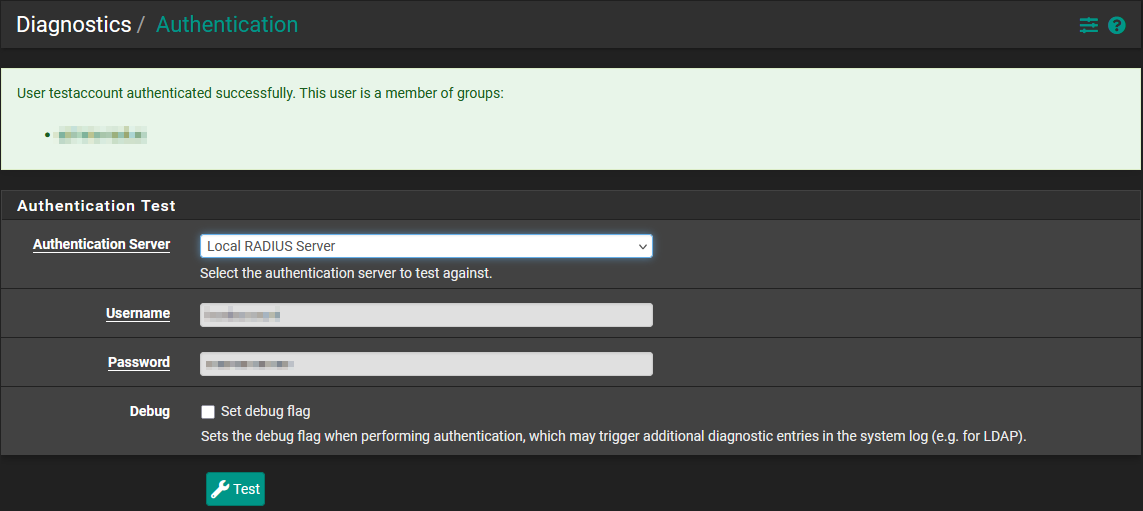
Without switching the whole system over, execute a test from the Diagnostics>Authentication screen, ensuring the expected “group” is returned.
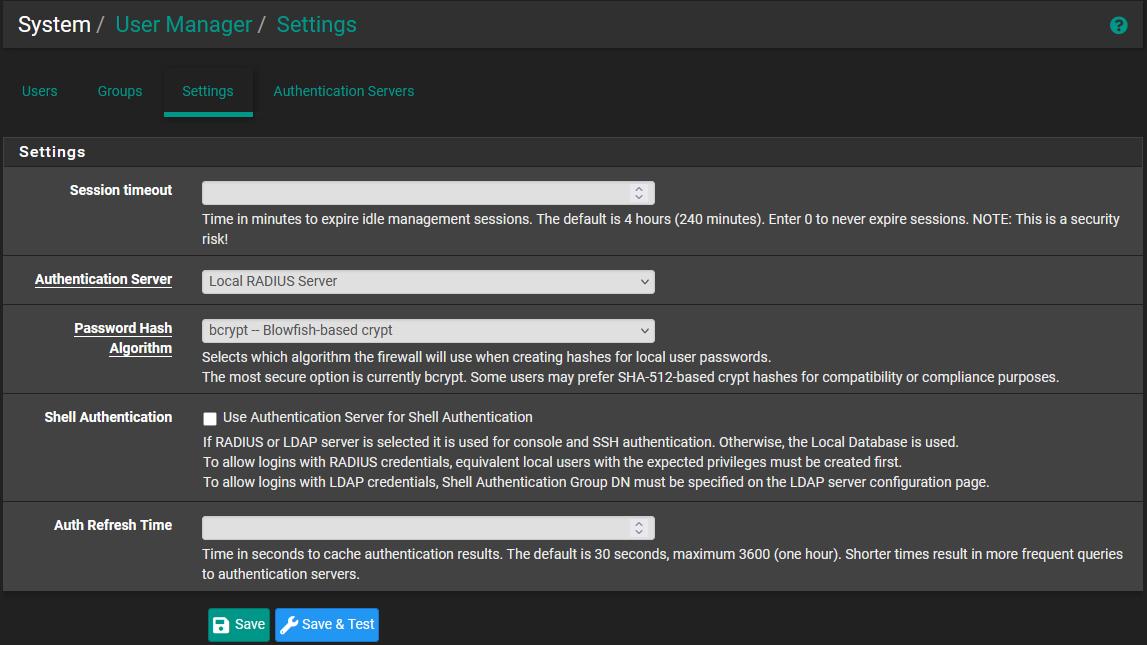
Once satisfied that everything is working, switch pfSense to use the RADIUS server by default, under SYSTEM>User Manager>Settings.